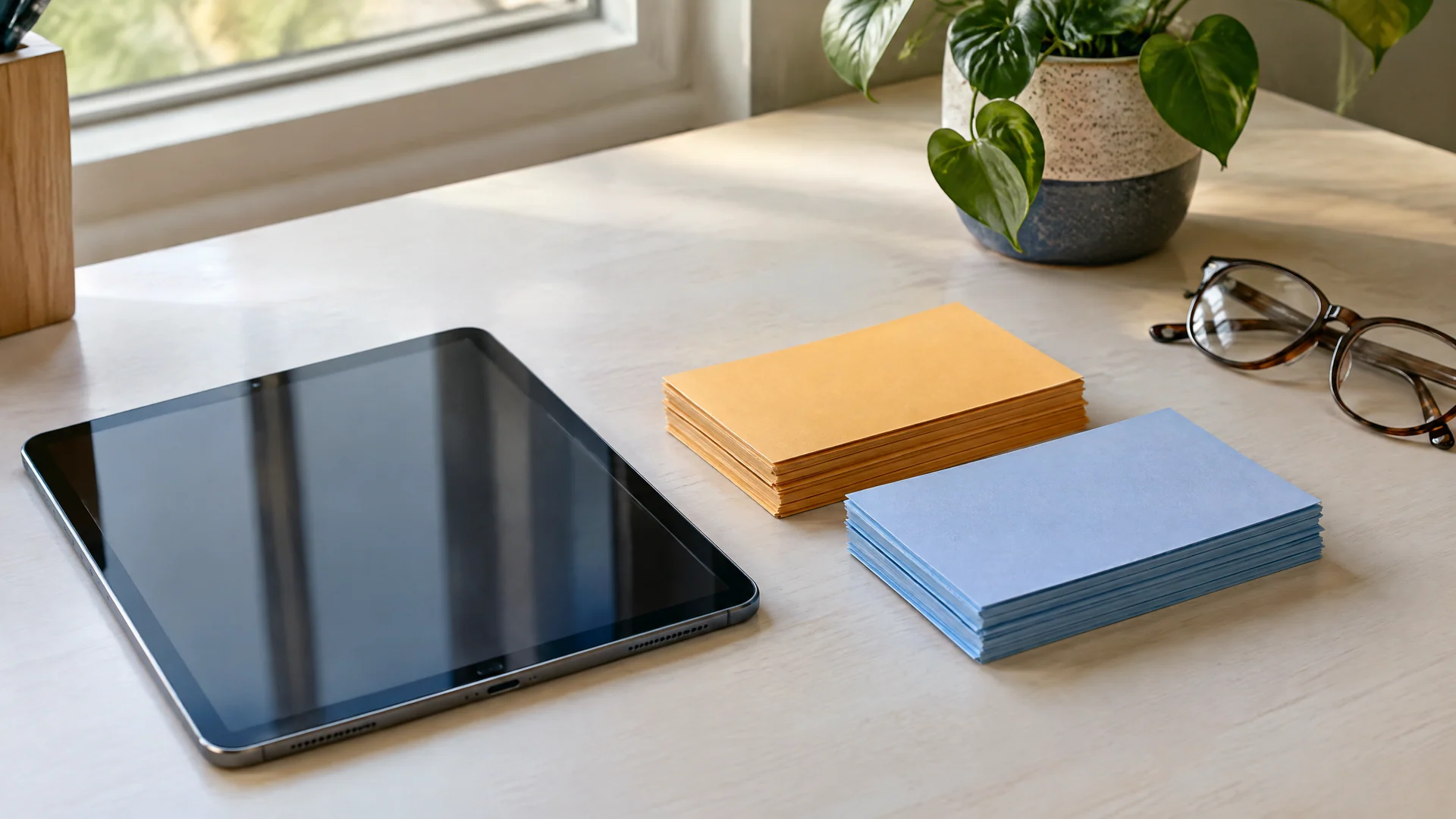
Study materials you print, fill in and keep.
Printable study guides, workbooks and planners, bought once and yours to keep. Study guides, workbooks and planners, made to print at home.

Choose a shelf
Shelf
Study guides
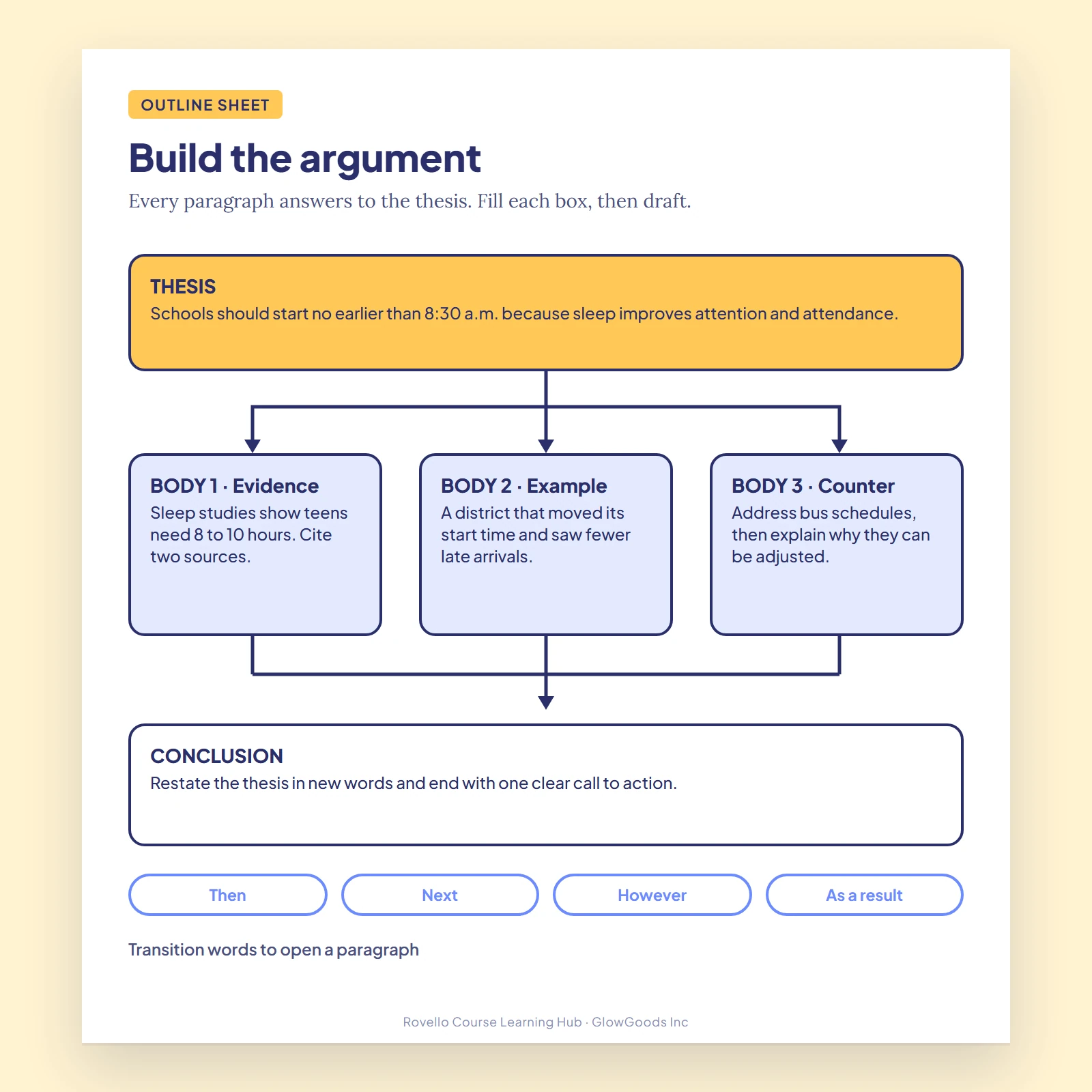
Printable guides, flashcards and note templates that turn a pile of material into something you can actually study.
Open shelf
Shelf
Workbooks
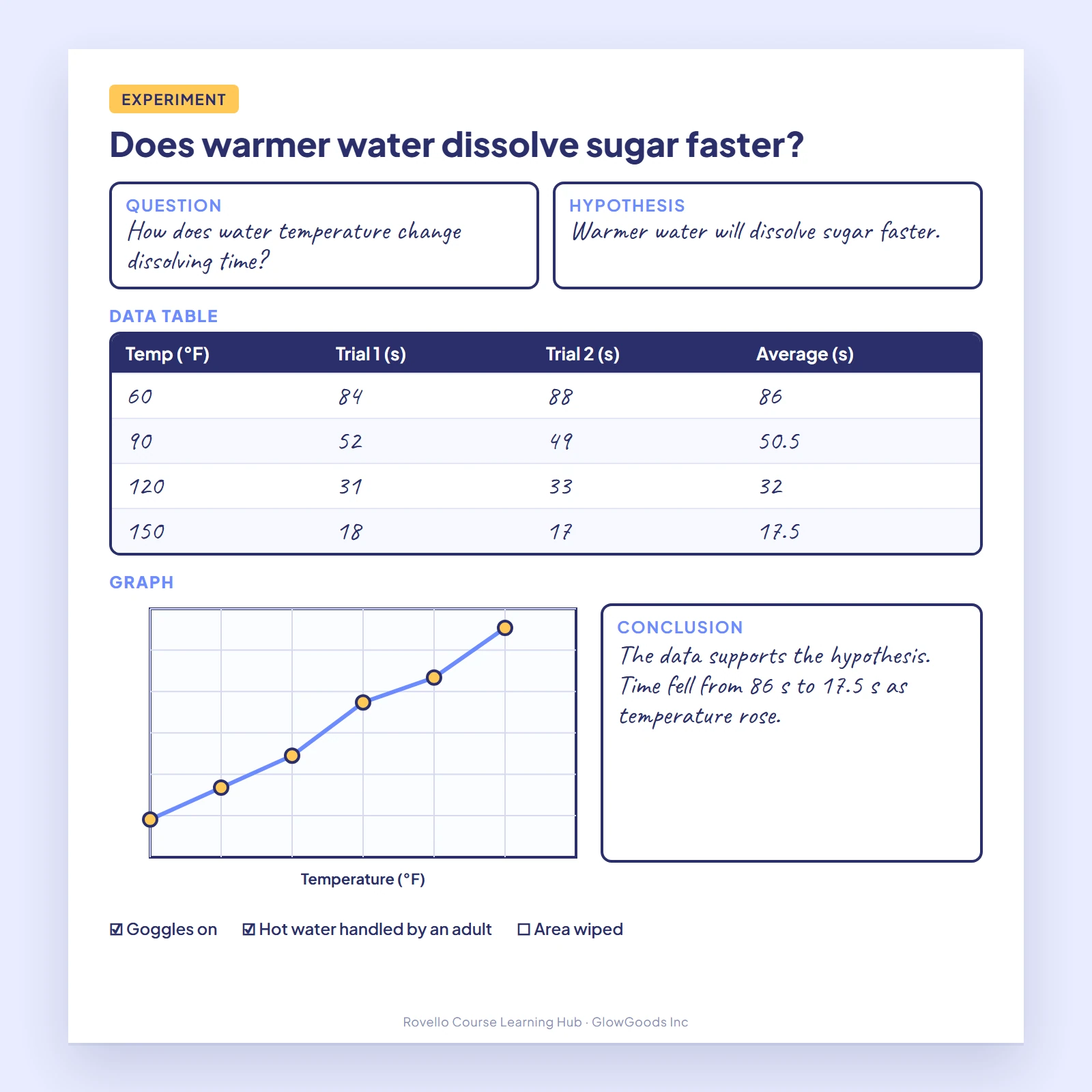
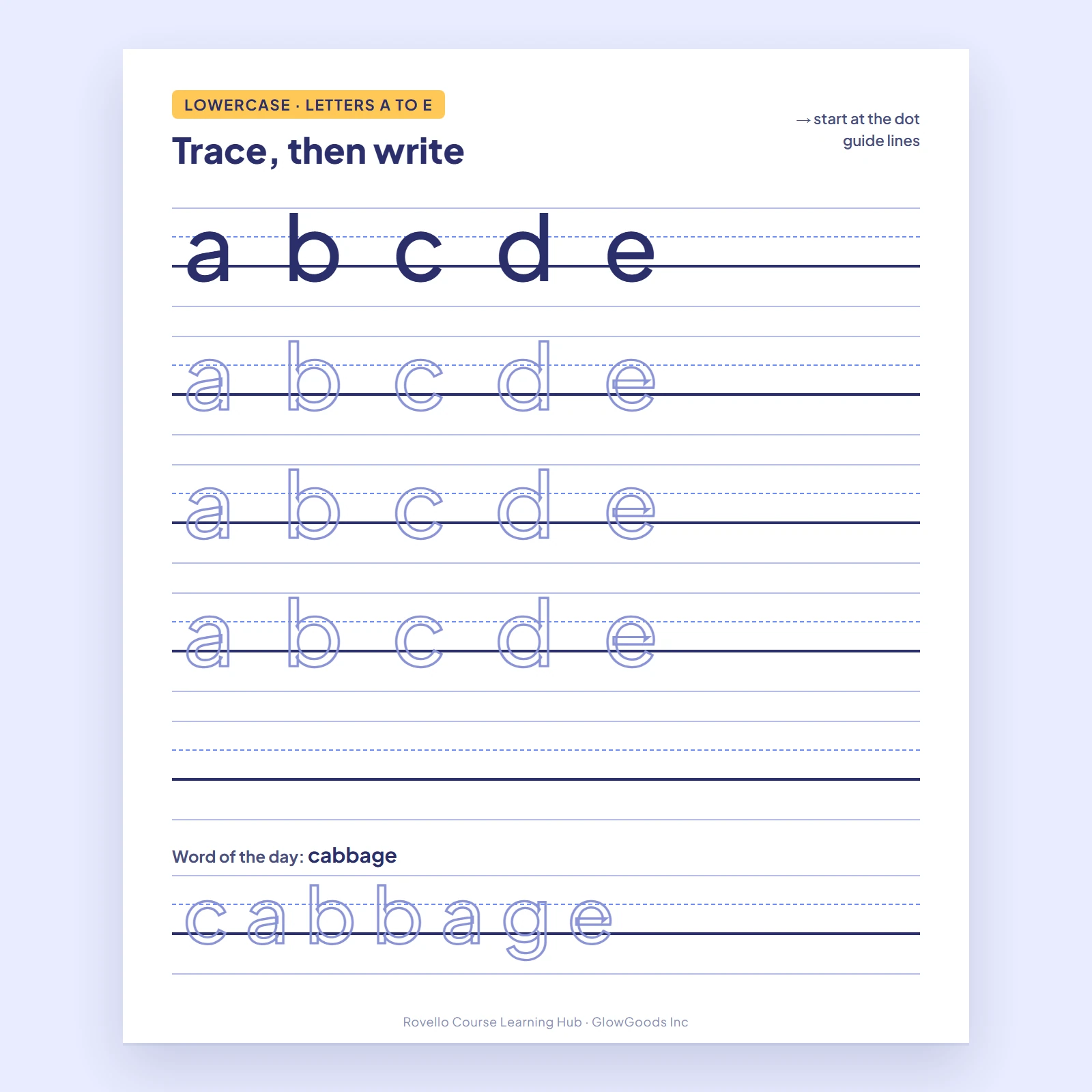
Page-by-page practice workbooks with answer keys, built for printing at home or filling in on a tablet.
Open shelf
Shelf
Planners
Weekly, semester and project planners in printable form, with progress trackers for every course.
Open shelf
Featured titles
See all titles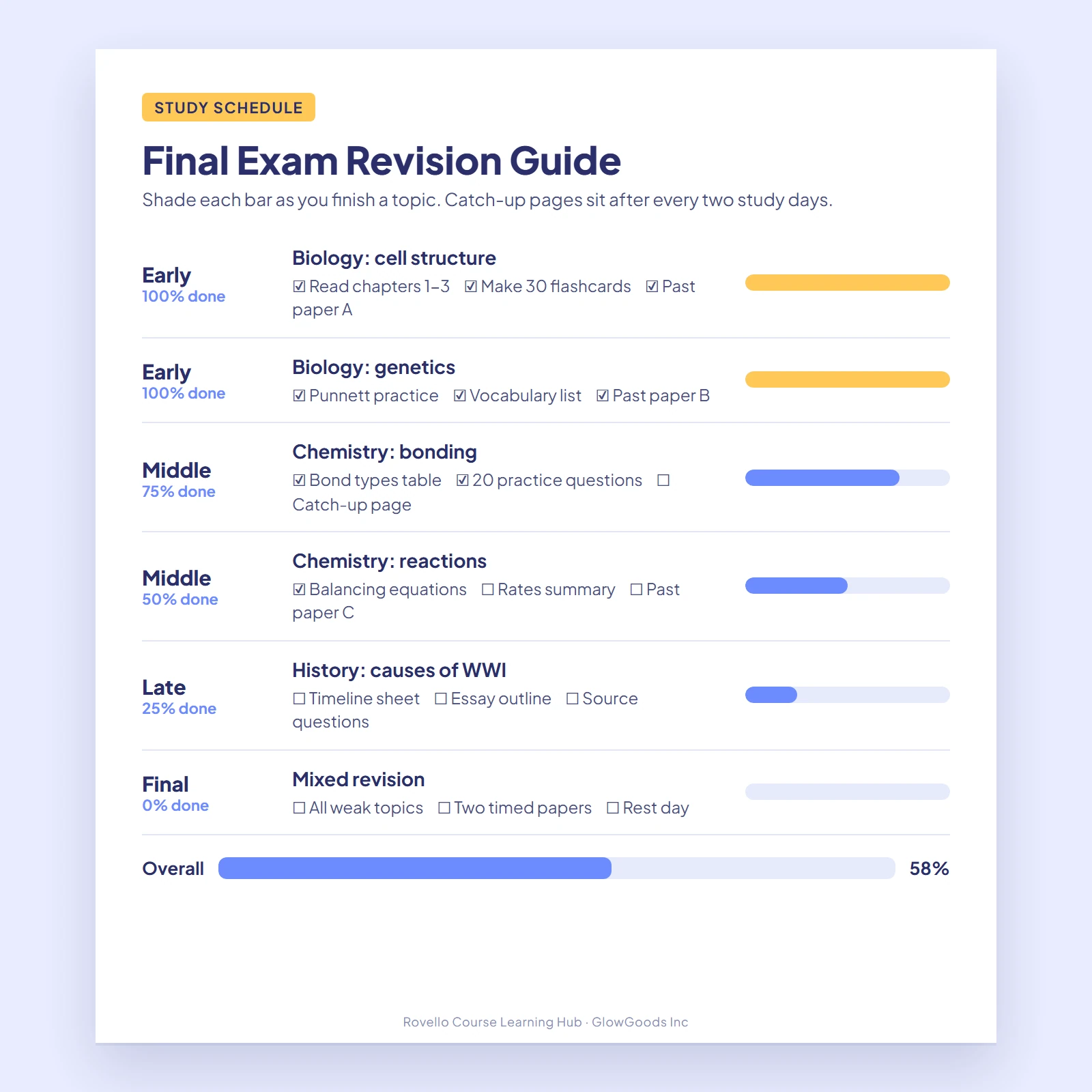
From checkout to printer
- 1
Choose a title
Pick a guide, workbook or planner. Each page lists what is inside.
- 2
Pay once
One payment and you are done. Your order is tied to your account.
- 3
Download your file
Open My Downloads in your dashboard and save the file once it is ready.
- 4
Print or annotate
Print double-sided at home, or write on it with a stylus on a tablet.
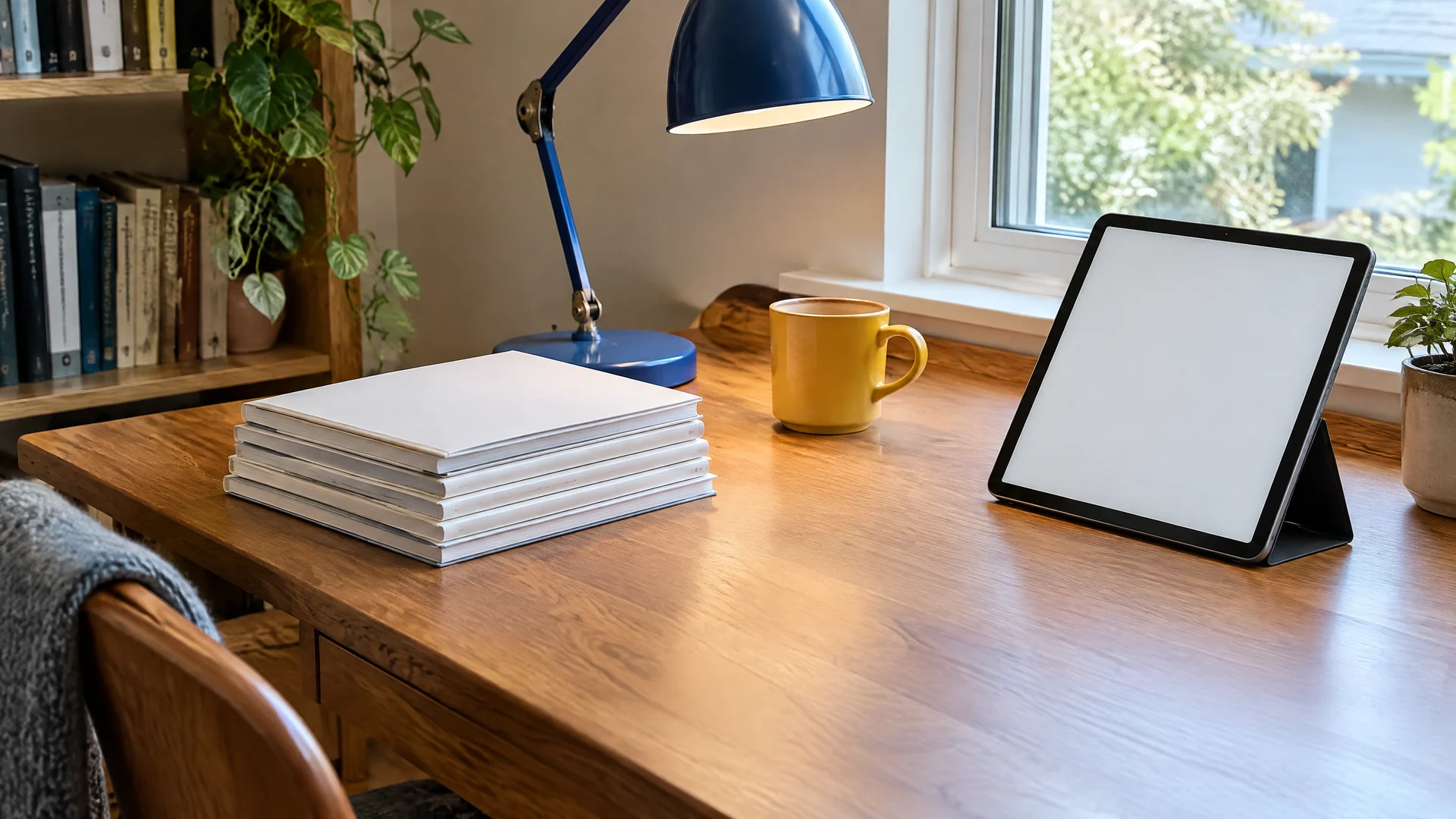
The middle ground between a textbook and a screen.
Rovello Course Learning Hub started with a simple frustration: most study material is either a bound textbook you cannot write in or a screen you cannot hold. We build the middle ground, printable pages you print at home, fill in with a pen, and reprint whenever you need a clean copy.
Read more about usWhat is in every file
Made for home printers
Pages are laid out to print on the paper already in your tray.
Answer keys
Graded workbooks end with a full answer key so you can check your own work.
Crisp vector lines
Rules, grids and boxes are drawn as vectors and stay sharp at any print size.
Margins for binding
Left margins leave room for a hole punch or a binder clip.
Print or tablet
Works with any app that supports pen annotation.
Reprint any time
Spoiled a page? Print a clean copy for your own use whenever you like.
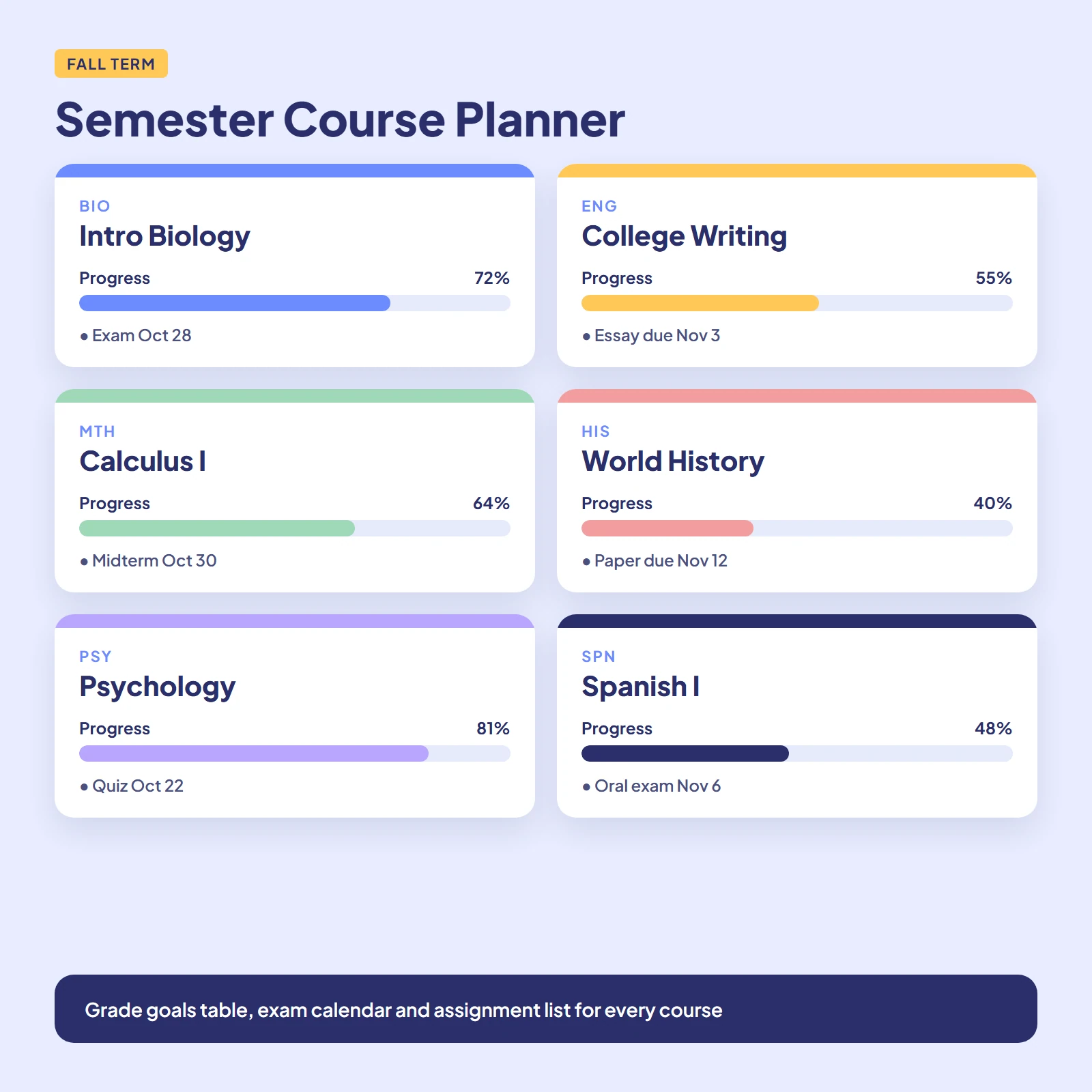
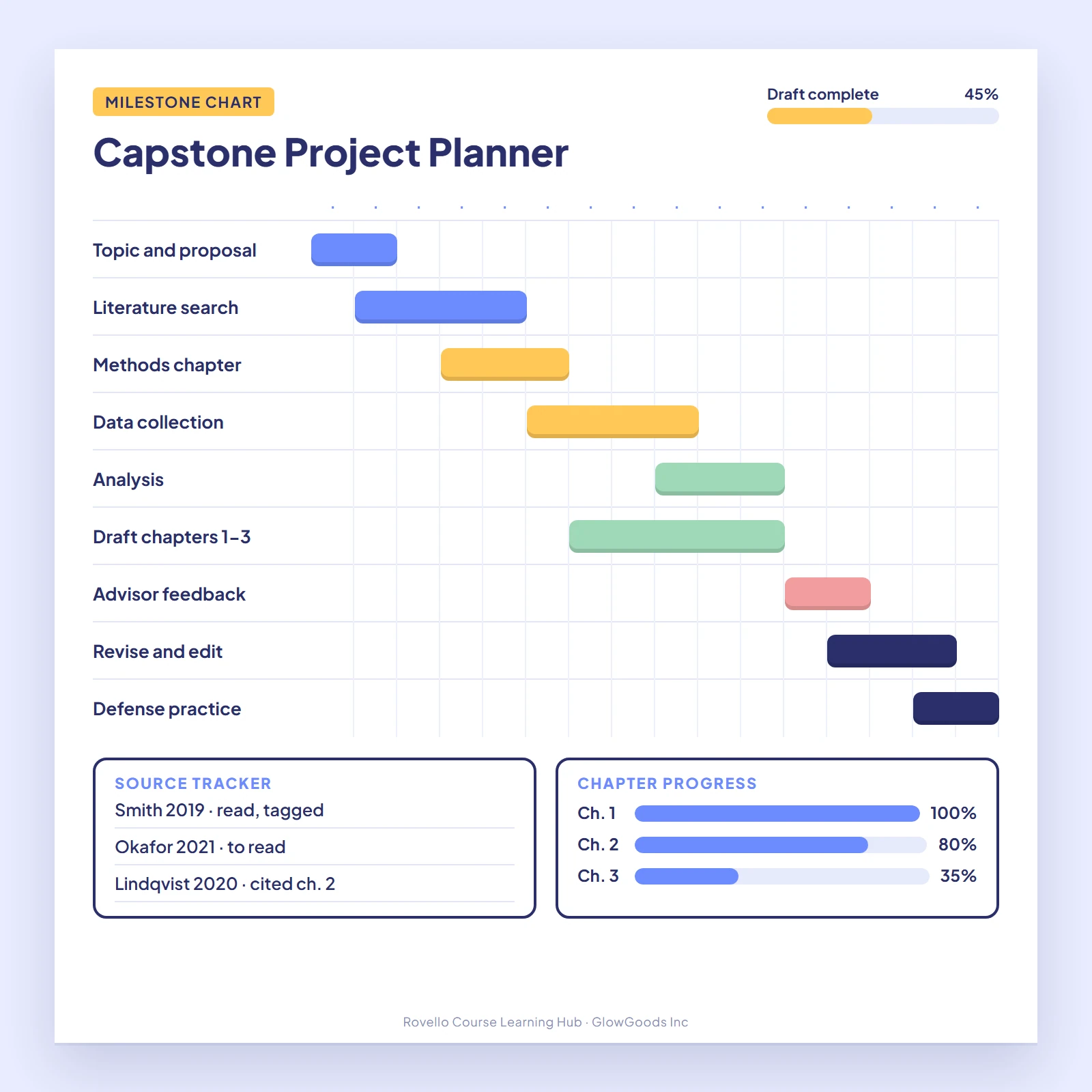
Every course gets its own progress bar.
The Semester Course Planner gives each course a section of its own, with a syllabus summary, assignment list, exam calendar and a bar you shade in as the term moves along.
See the plannerIllustration of the progress bars printed in the planner.
Habits the pages are built around
01
Space it out
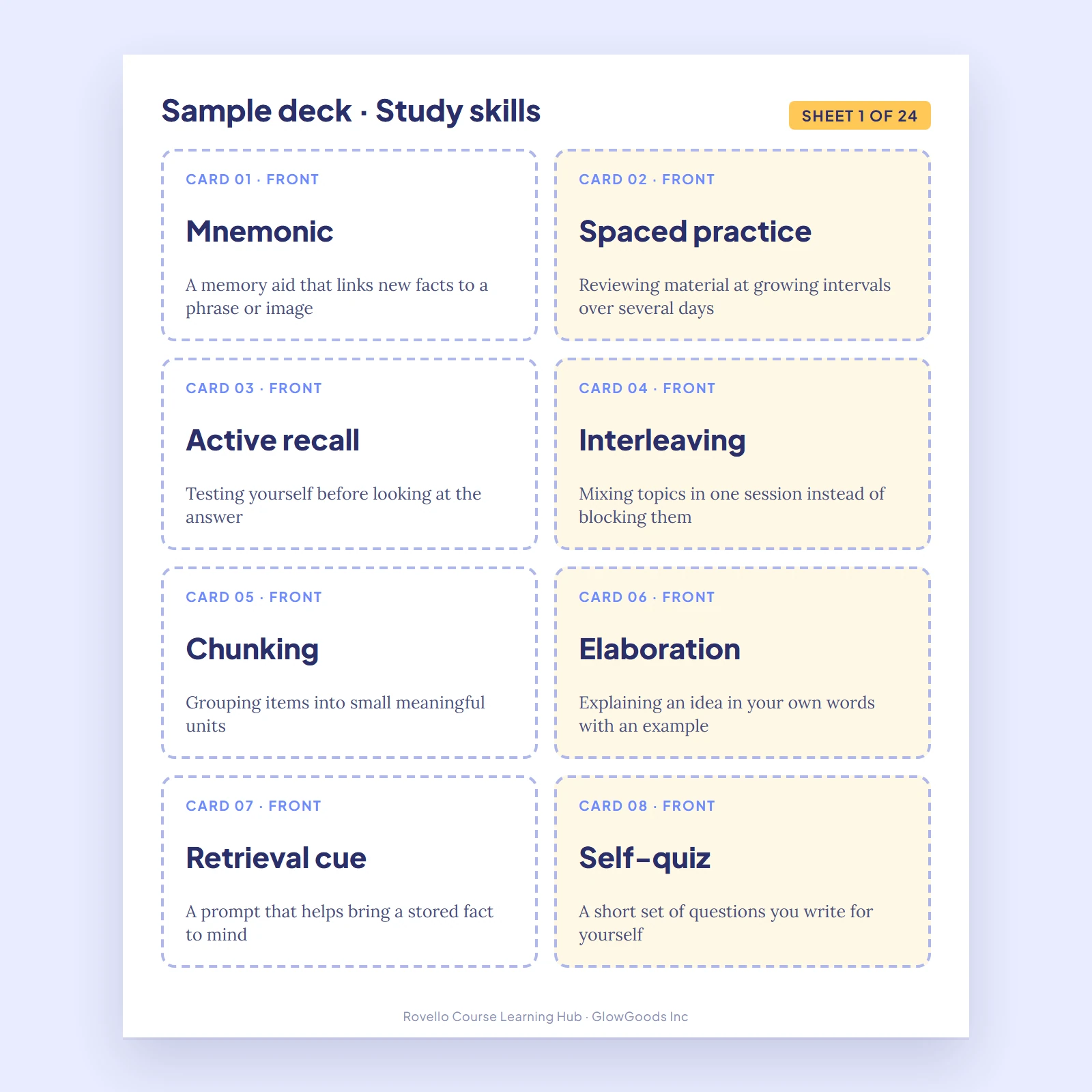
Revisit material after a day, then a few days, then a week. Flashcard sheets and the revision guide are laid out for it.
02
Test yourself first
Try to answer before you look. Workbooks put questions first and answers at the back for exactly this reason.
03
Track what is done
A filled-in bar beats a vague feeling of progress. Planners give every course its own bar.
How we make the pages
- Printable first
- We design for paper. If a page does not work on a home printer in black and white, we redraw it.
- Honest page counts
- Where a product page gives a page count, it is the number of pages in the file, answer keys included.
- No filler pages
- Every page has a job: teach, practice or track. No decorative padding to inflate a page count.
- Own it outright
- Buy a title once and keep the file. Nothing expires and nothing renews.
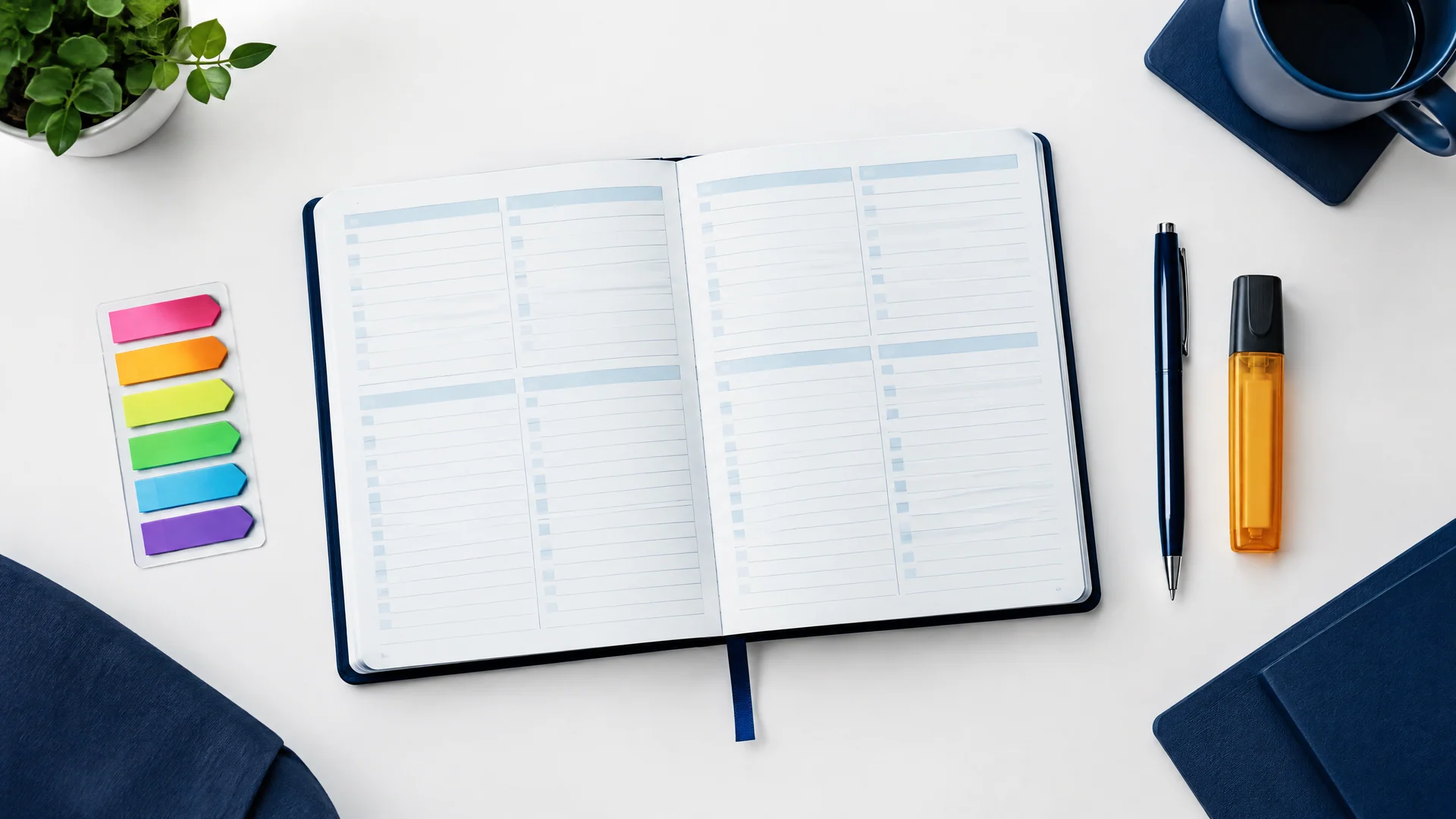
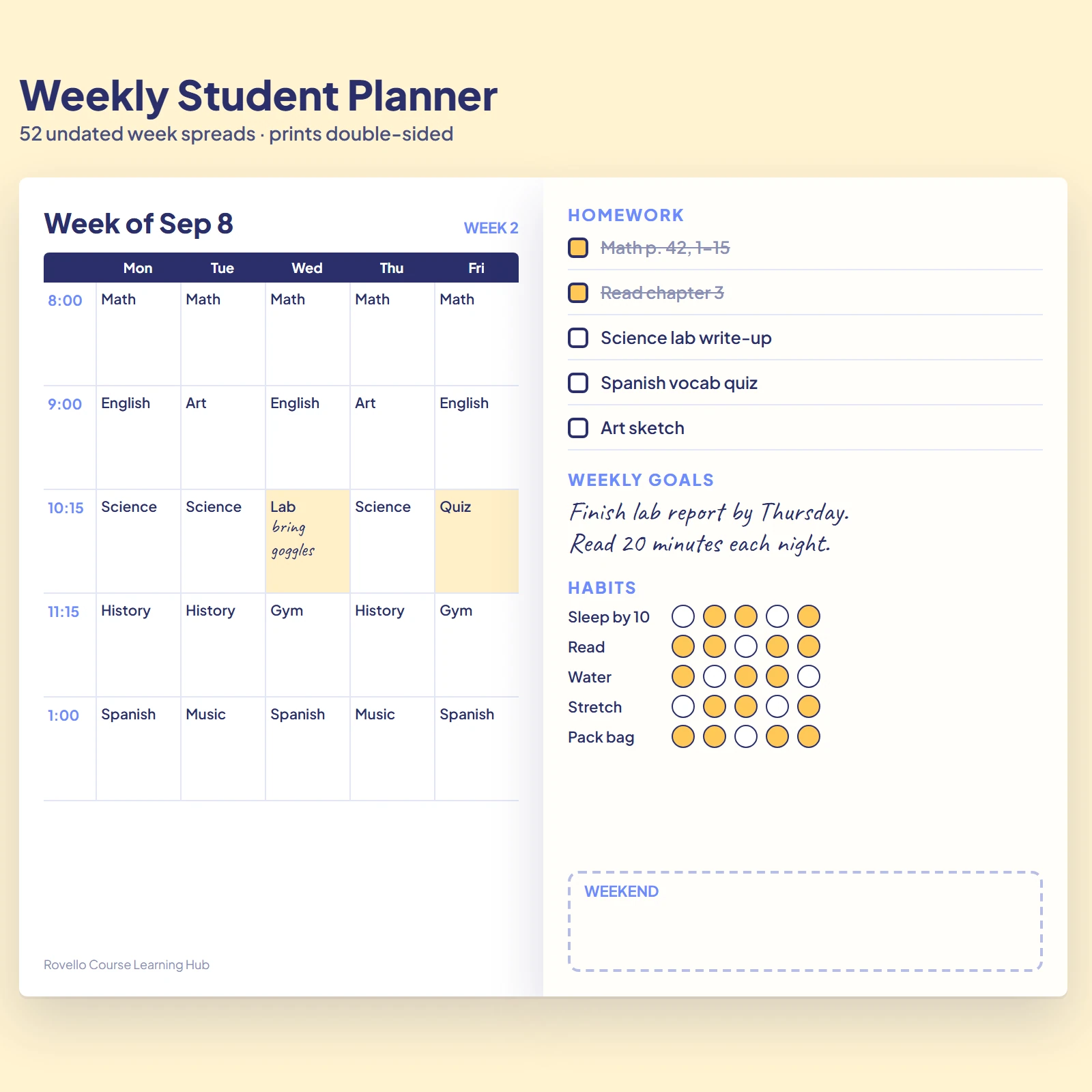
Plan the week before it starts.
The Weekly Student Planner has 52 undated week spreads with a class grid, homework list and habit tracker.
View the plannerQuick answers
What exactly do I receive?
Each product is a printable PDF. The Printable Flashcard Sheets and the Weekly Student Planner are ready to download right away and their product pages give the exact page counts. Other titles show Preparing — check back soon in My Downloads until their files are ready.
How do I get my download?
Create an account, place your order, then open My Downloads in your dashboard. Titles that are ready show a download button. Titles still being prepared show a note that they are coming soon.
Can I print as many copies as I like?
Yes, for your own use or your own household. Reprinting a clean copy of a worksheet is the point of a printable. Please do not resell or share the files.
Do the PDFs work on a tablet?
Yes. Any PDF app that supports annotation lets you write on the pages with a stylus. Titles with a contents page include clickable chapter links.
Why shop with Rovello Course Learning Hub
Digital delivery
No shipping. Instant digital delivery after payment.
Refunds
Refunds are available within 30 days from the date of purchase. To request one, email support@rovellocourselearninghub.com.
Cards accepted
Visa and Mastercard. Payment is a one-time payment, no subscription or recurring charges.
Clear billing
Charges appear as RovelloCourseLearningH on your statement. Orders are limited to $500.00 per order.
Privacy
Personal information will not be shared with Third Parties.
Real people
Customer service Monday–Friday 9:00 AM–5:00 PM MT: (833) 331-7652 or support@rovellocourselearninghub.com.
Questions first? Contact us or read the FAQ.
Questions before you buy?
Our team can tell you which title fits a grade level, a course or a printer setup.
support@rovellocourselearninghub.com
(833) 331-7652
Monday–Friday 9:00 AM–5:00 PM MT
Send a message